Explore Ephor

Everything you need to research, think, and decide with AI.
Ephor combines multiple AI capabilities into one workspace. Here's what's inside.

Multi-LLMs

Ask one question and see how OpenAI, Claude, Gemini, and other models answer. Different models have different strengths. Some are better at reasoning, others at creativity. Seeing multiple perspectives helps you think more critically and catch what a single model might miss.

Best for:

Research where you need multiple angles
Writing where tone matters
Any task where accuracy is critical
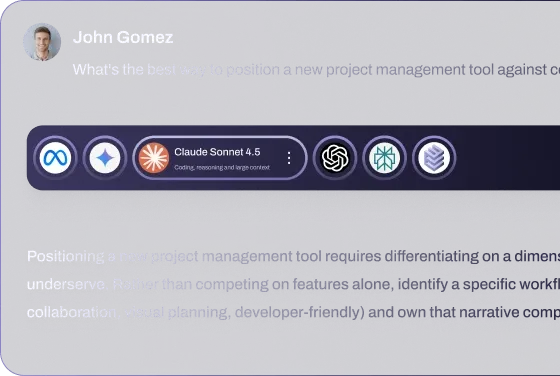
Multi-LLMs feature

AI Expert Calls

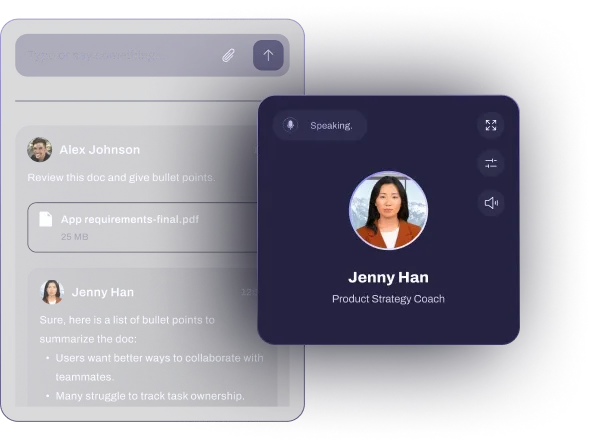
The video calls brings together multiple AI personas, each with a distinct worldview. Ask a question and hear from optimists, skeptics, and balanced voices. It's like having a debate team that challenges your thinking and helps you refine your position.

Best for:

Testing ideas before committing
Understanding different viewpoints on complex topics
Making decisions that need multiple perspectives
AI Expert Calls feature

AI-Curated Research Feed

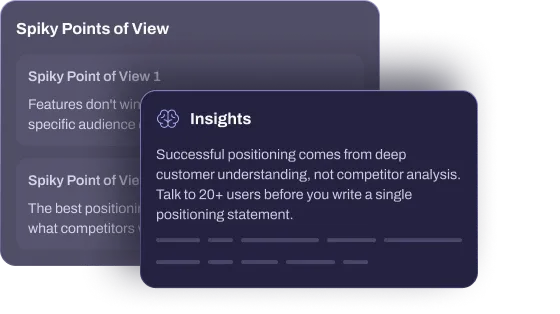
BrainMaxxing delivers high-quality content aligned to your interests and BrainLifts. No noise, no doomscrolling. Just relevant articles, papers, and insights that help you stay sharp on fast-moving subjects.

Use it for:

Keeping up with your field without information overload
Discovering frontier thinking on specific topics
Building daily learning habits that compound
AI-Curated Research Feed feature

Research Workspace

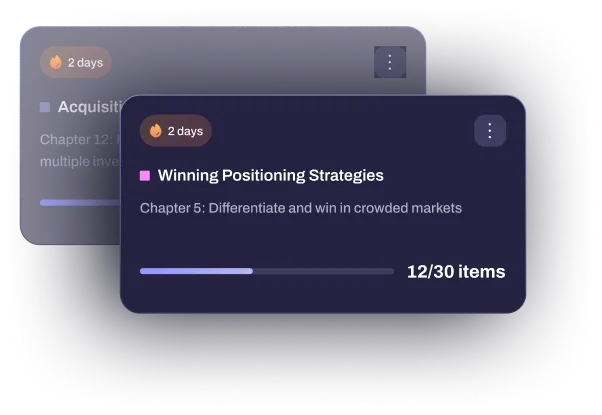
A BrainLift is your expertise distilled into a framework AI can learn from. Instead of random notes, you create focused capsules of knowledge—your principles, frameworks, and insights. AI uses these to respond in ways that align with your thinking.

Use it for:

Teaching AI your methodology
Capturing research frameworks
Building team knowledge that AI can reference
Research Workspace feature

Connectors

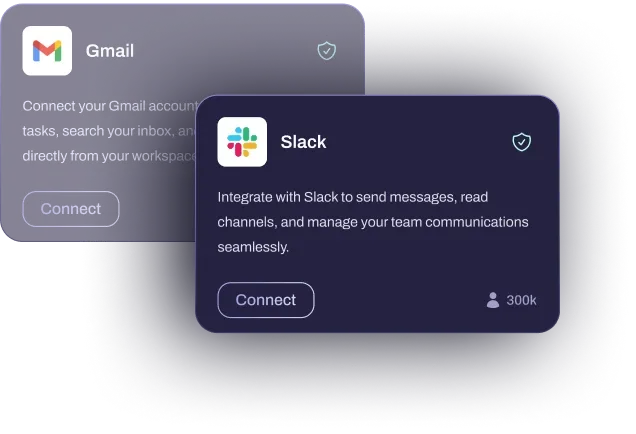
Connect Ephor to other services you use—Gmail, Calendar, databases, APIs. Connectors extend what AI can do by giving it access to your real-world data and workflows.

Use it for:

Pulling in calendar data for scheduling
Querying databases in real-time
Syncing documents from other tools
Connectors feature

Library

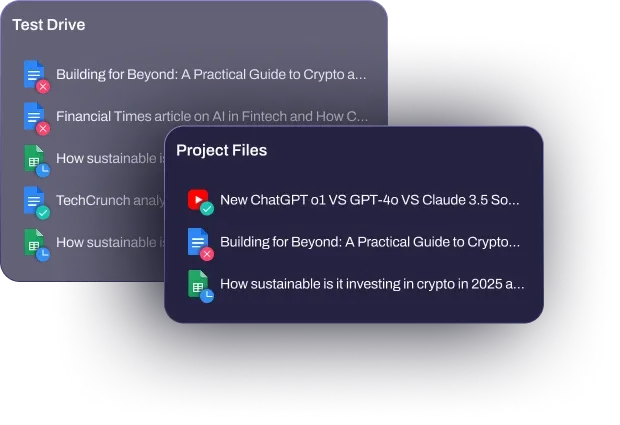
Upload PDFs, specs, notes, and references to your project Library. AI draws from these files when responding, so answers are grounded in your actual data instead of generic knowledge.

Use it for:

Working with project-specific documents
Making sure AI has the right context
Keeping all materials accessible in one place
Library feature

Agora

The Agora is where you organize all your Ephors—the AI experts you can call on for specialized knowledge. Browse by category, search by expertise, and add the ones you need to your workspace.

What you can do:

Filter Ephors by domain (Finance, Education, Technology, etc.)
Add Ephors to specific projects or favorite them for quick access
Start video calls with experts directly from the Agora
Browse new Ephors to expand your roster
Agora feature